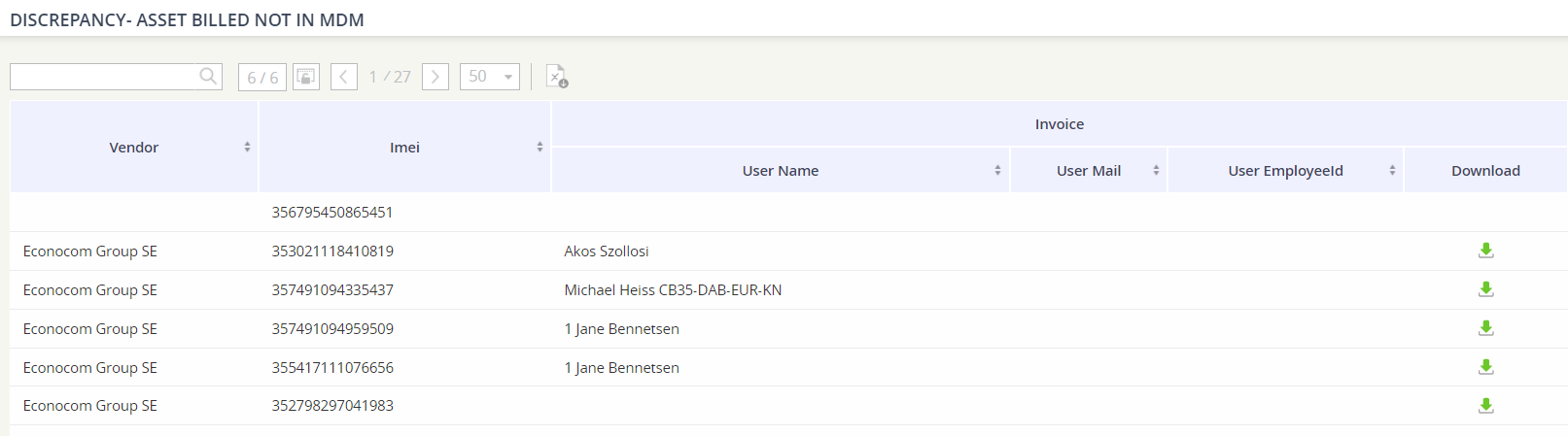
We provide three key reports so that you can audit your device inventory against the data provided on the invoice or through an MDM.
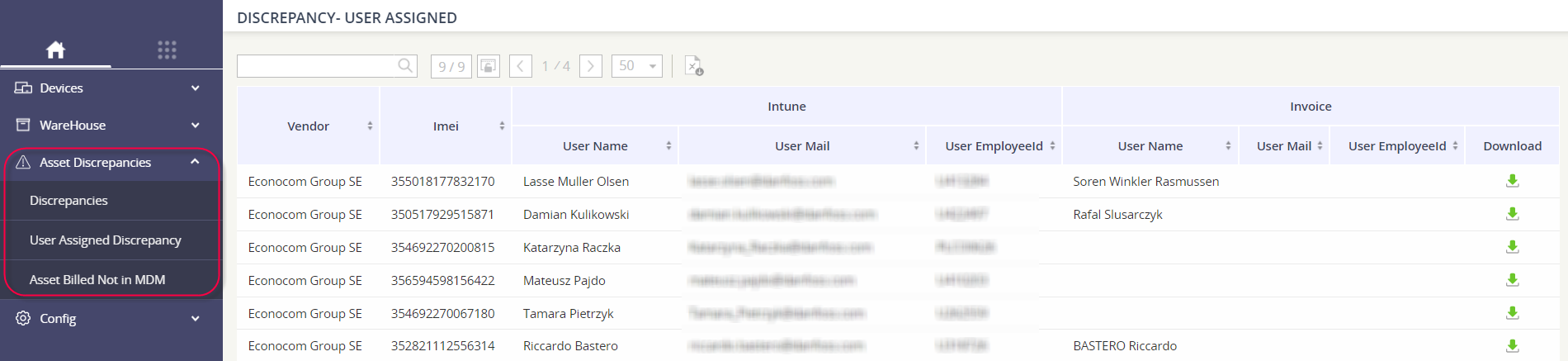
To access the audit reports,
-
Go to the Device Inventory module.
-
Select Asset Discrepancies from the menu on the left.
-
Click on the audit-type report that you’d like to review.
Discrepancies
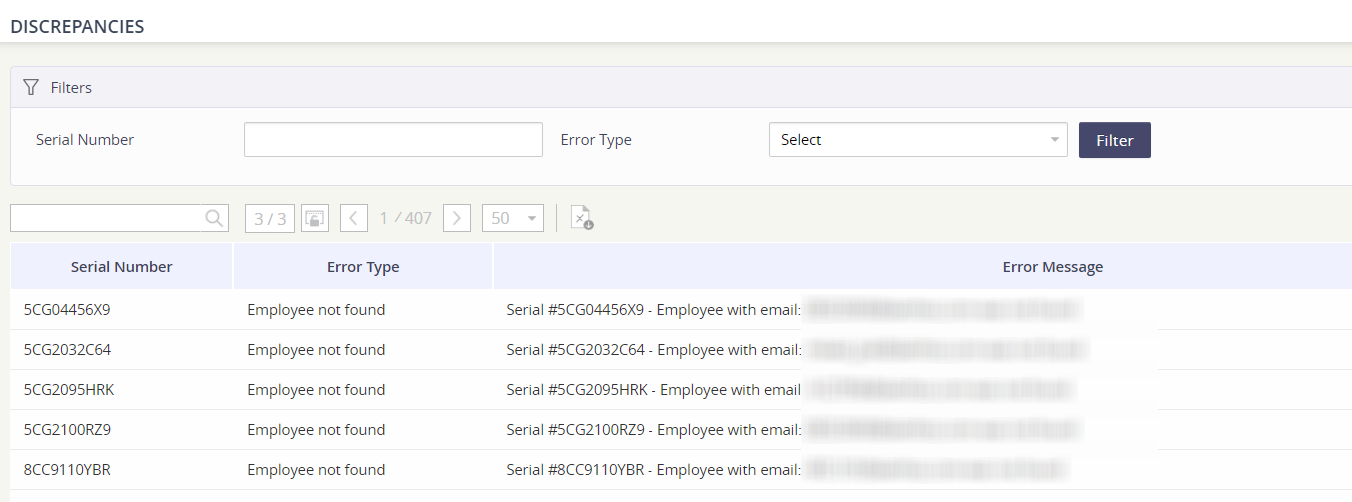
The report will provide you any errors encountered during the MDM loading process.
Error types captured in the report are:
-
Employee not found
-
Device mismatch
-
Employee mismatch
-
Product not found
-
Ownership mismatch
User Assigned Discrepancy
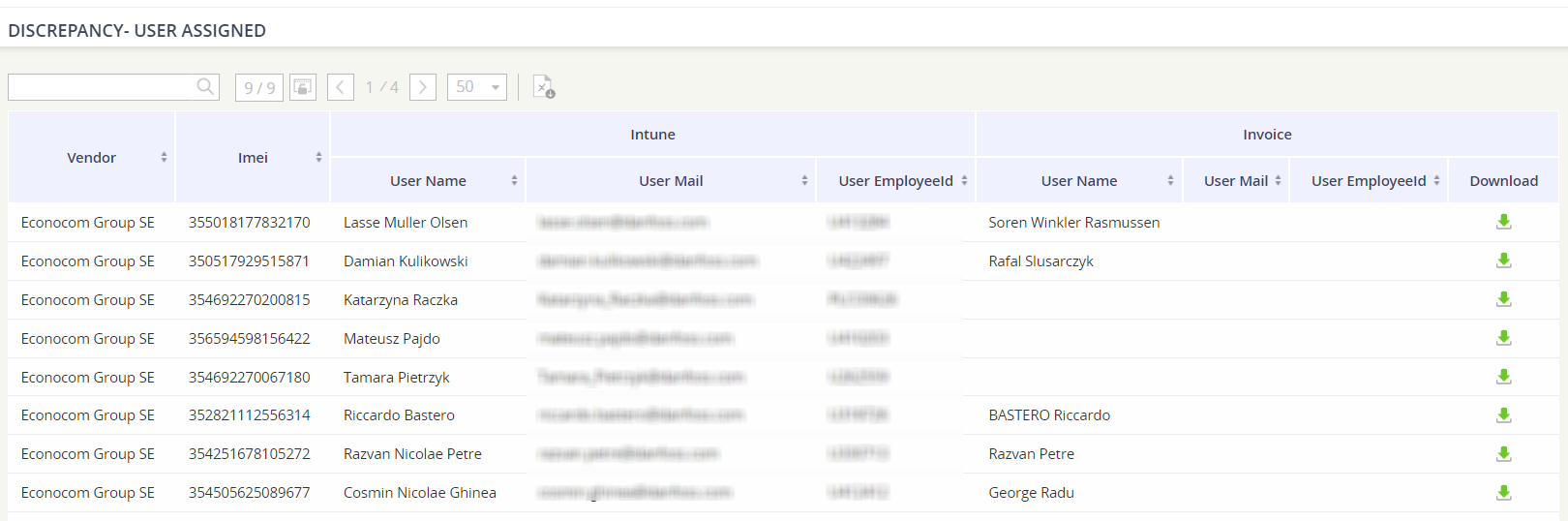
The report will generate results for devices that are associated with employees. For all associated devices, you will see the employee data in the platform compared to the employee data on the invoice.
Asset Billed Not in MDM
The report will provide all IMEI numbers that are found in your device inventory, but are not part of your MDM platform.