
You can see all invoices in your Inbox that do not have an approval setup applied. To see this report,
-
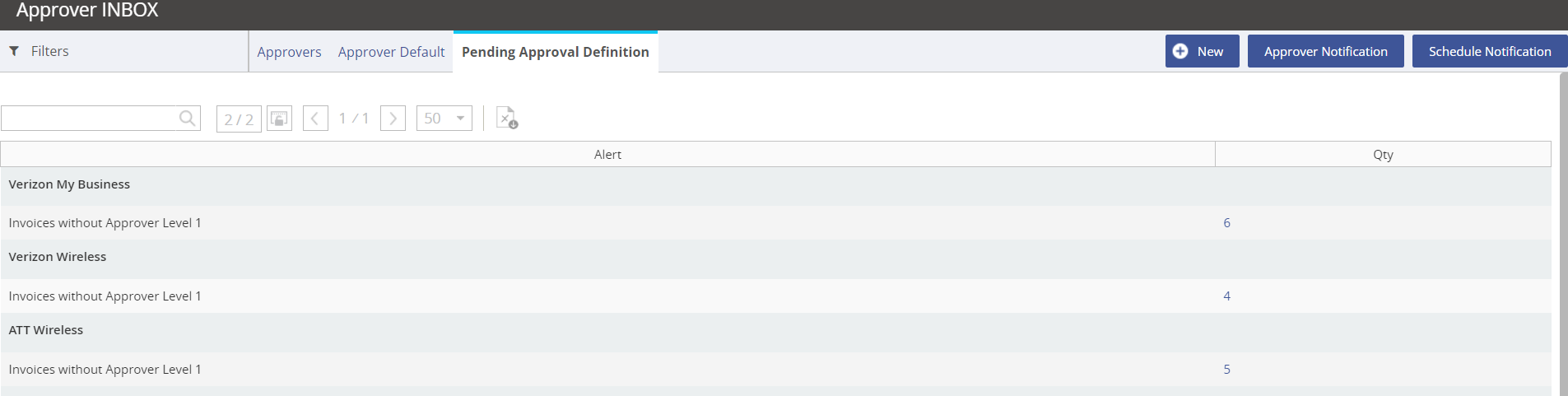
When in the Approvals module, click on the Approvers Pending Definition tab.
-
Click on the value populated under the Qty column.
-
A pop-up window will display the account information for the invoice. You can use this information to add a New user setup for this account.
