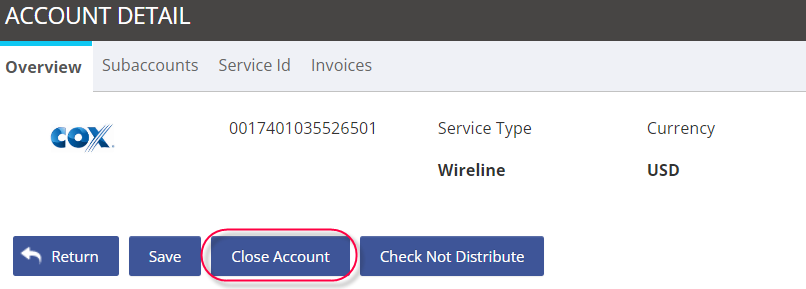
When an account has been closed and you need to update the account status in the platform,
-
Go to Administration.
-
Select Accounts.
-
Click on the spyglass under the Edit column to view the account record details.
-
Staying in the Overview tab, click the action button Close Account.
Asignet will stop processing invoices immediately for a closed account.