
When in the Inbox, you can see invoice details for a specific record by clicking on the Invoice Number hyperlink in the summary list.
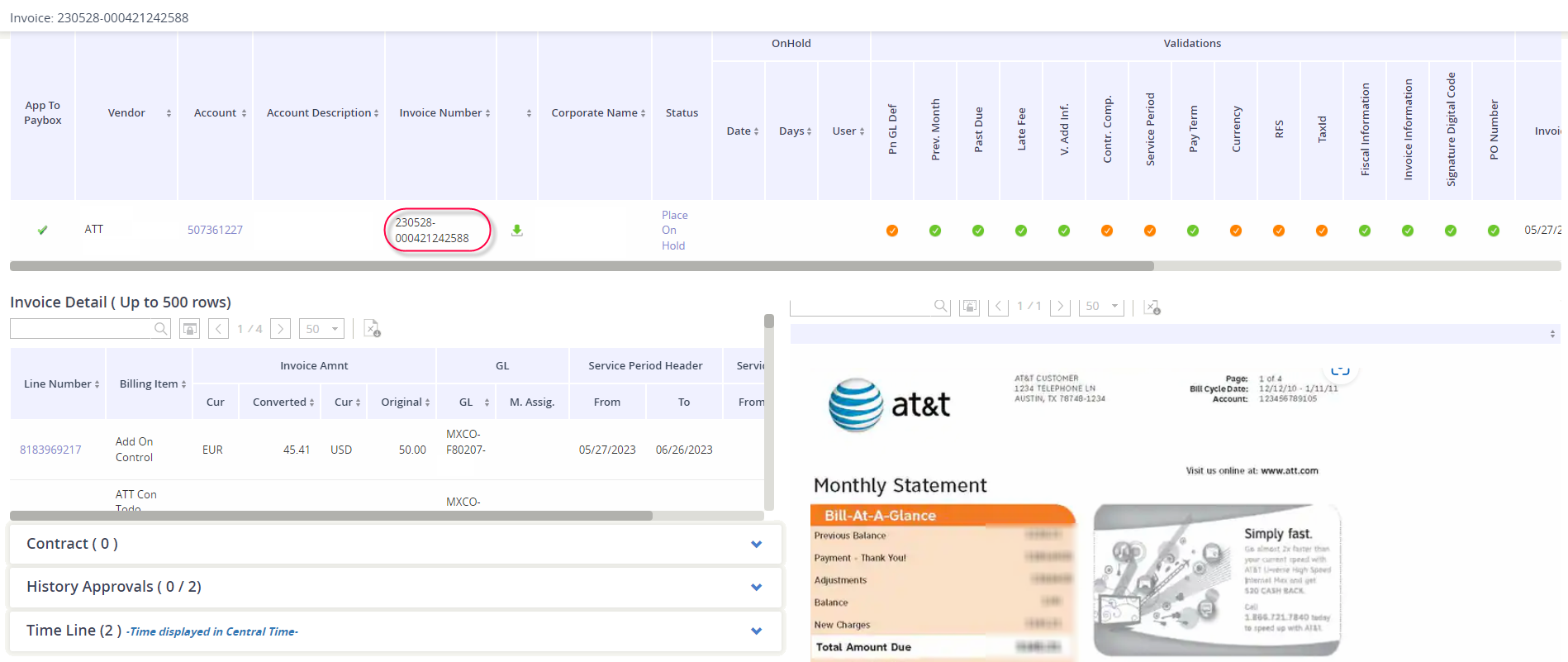
What is available per invoice record
|
Section |
What you can see… |
|---|---|
|
Invoice Detail |
This is where you will see the services that billed on the invoice, along with the associated GL Codes and service periods. You can export this section into Excel. 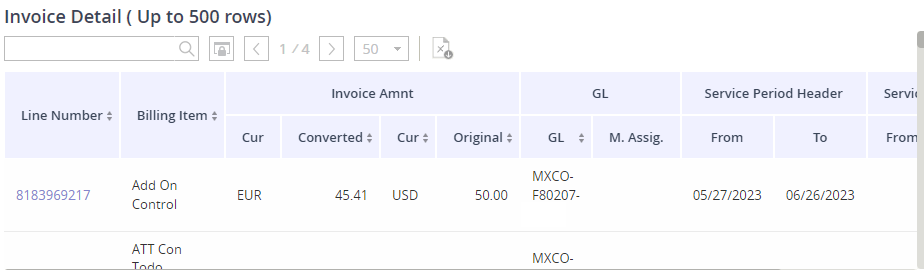
|
|
Contract |
This is where you can see the contract that has been associated to the account, along with its effective date and expiration date |
|
History Approvals |
Here you can see all approval activity that has occurred on the invoice to-date. |
|
Time Line |
This captures the invoice’s event timeline, from creation date all the way to its archive date. |
|
Invoice PDF Image |
Review in the invoice PDF image. |